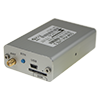

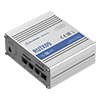
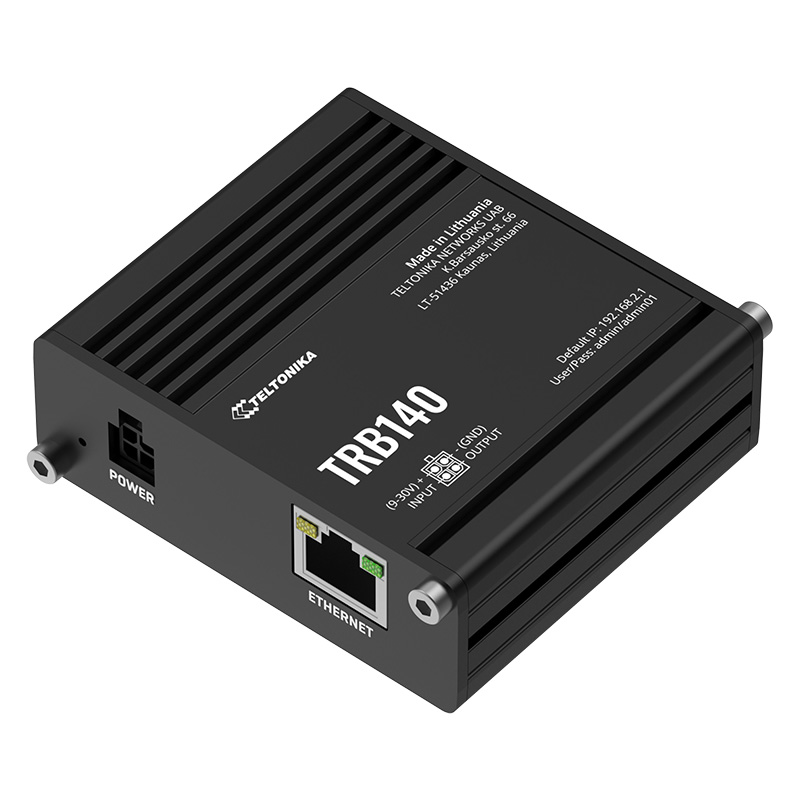
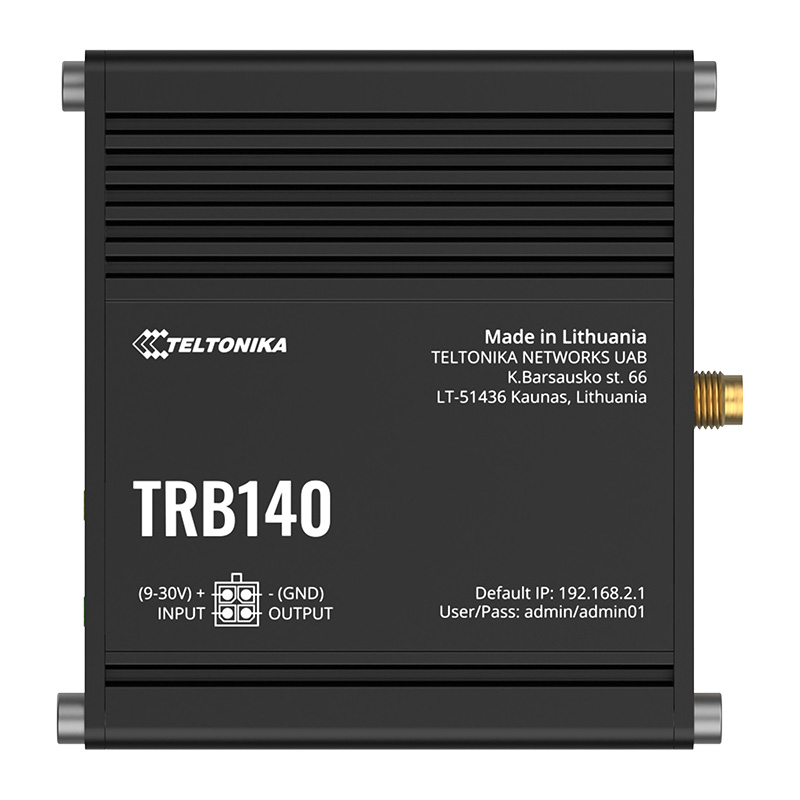
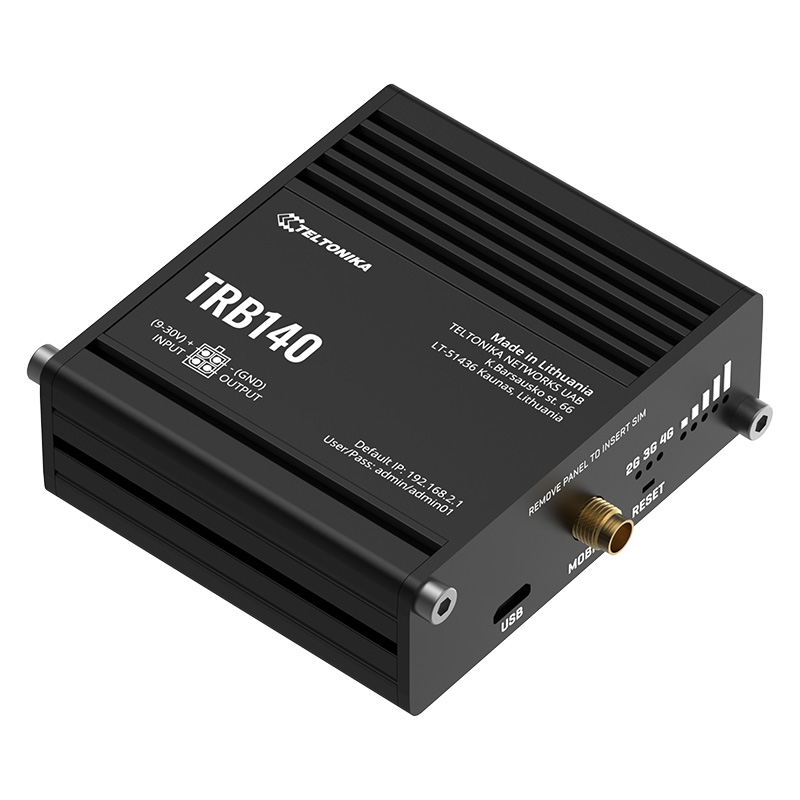


Teltonika TRB140 Gateway
Attention! For security reasons, Teltonika has issued a recommendation to update the firmware for the TRB14x series gateways (TRB140, TRB141, TRB142, TRB143 and TRB145). Learn more HERE.
Compact LTE Cat 4 Gateway
A small, high-speed LTE Gateway suitable for deployment in industrial environments. Thanks to advanced VPN features, security, and remote management, the TRB140 is the best choice for connecting your IoT device. It operates within an input voltage range of 9–30 V, making it versatile for various industrial environments.
Connectivity and industrial interface
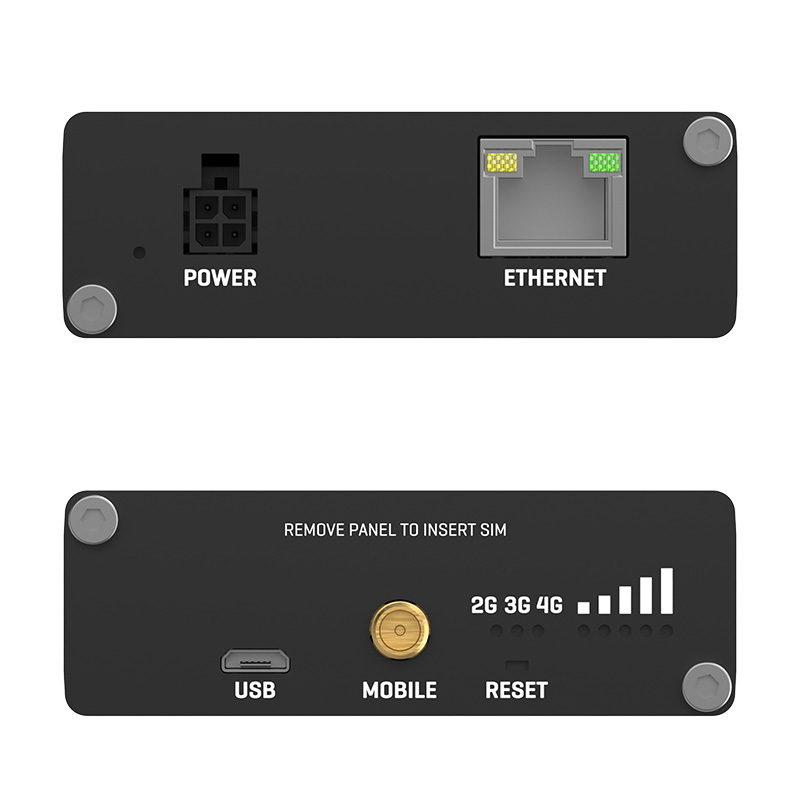
The TRB140 industrial LTE Cat 4 Gateway module is equipped with a Gigabit Ethernet interface, digital inputs/outputs, and a micro-USB port. Thanks to its compact design, this Gateway is ideal for applications where reliable internet connectivity must be provided to a single device. The TRB140 is specifically designed for use in demanding industrial applications.
Operating system and remote management
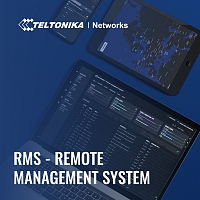
The device is based on the Linux operating system and offers a wide range of software features such as SMS control, a firewall, OpenVPN, IPsec, RMS, and FOTA. It can be remotely controlled and managed via the Teltonika Remote Management System (RMS).
Key Features:
• Ethernet interface
• LTE Cat 4 with speeds up to 150 Mbps
• Compact size, easy integration
• Wide range of power supply voltages
• Teltonika Remote Management System compatible
• RutOS – easy to use, secure and feature rich Operating System
Standard package contains:
• Teltonika TRB140 board
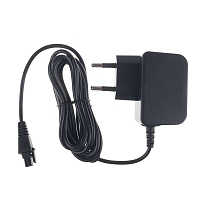
• Euro PSU
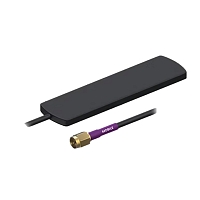
• 1 x LTE antenna (magnetic mount, SMA male, 3 m cable)
• Micro-USB cable (0.8 m)
• LAN cable
• QSG (Quick Start Guide)
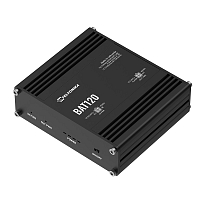
For this router Teltonika TRB140 you can buy the Teltonika BAT120 backup power supply, which takes over the power supply of the router for up to 6 hours in the event of a power failure.
Try RMS for free by clicking on this link to register your free 30-day demo account!
LINK: https://rms.teltonika.lt/
We recommend using the complete user manual and documents for configuration, official materials can be found here.
More information can be found in the attached datasheet and quick manual.
Quick Start Guide Video
Quick Start Guide video vás provede krok za krokem nastavením routeru od vybalení z krabice, vložením SIM karty, zapojením antén až po přihlášení do administrace.